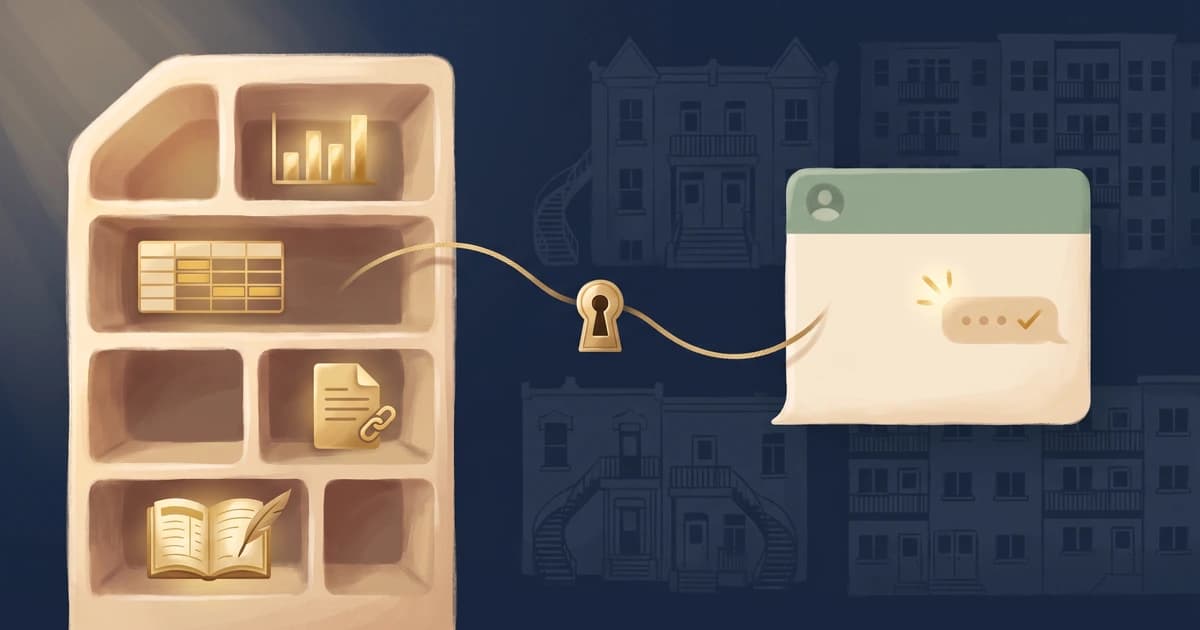
Quick answer: yes, you can query your syndicate of co-owners' data with an AI assistant. CondoAide exposes an MCP connector (Model Context Protocol): the administrator pastes an endpoint into Claude's or ChatGPT's connectors, authorizes access, then asks questions in natural language. The assistant sees only what the connected user is allowed to see, every call is recorded in the journal, and access can be revoked at any time.
What is the MCP protocol?
The Model Context Protocol (MCP) is an open standard, introduced by Anthropic in 2024, that lets an AI assistant plug into external data sources in a controlled way. Instead of pasting documents into a conversation, the assistant calls precise tools - "list units", "obligations status", "search the register" - and receives structured answers.
For a board of directors, the difference is concrete: the assistant doesn't "guess" from a pasted PDF; it reads the syndicate's actual data at the moment the question is asked.
What can an administrator ask?
Once the connector is authorized, everyday questions go straight to the assistant:
- "Which units haven't submitted their proof of insurance yet?"
- "Summarize our budget against actual spending."
- "Find the resolution about the lobby renovation in the register."
- "What's the contribution balance for unit 204?"
The connector covers the whole syndicate in read mode: overview, units, members, contributions, budget, financial statements, co-owner obligations and the document register. The first write actions are here too: adding units and occupants from the assistant. More complete write capability is in development.
What about confidentiality?
That's the question a board should ask before connecting anything, and the connector was designed to answer it:
- Your permissions, nothing more. The assistant acts as the user who authorized it: it sees exactly what that person would see in the app. A connected co-owner does not see board-only data.
- Every call is journaled. Each consultation through the connector is recorded, like other actions in CondoAide.
- Documents are never sent in full. The register returns metadata and authenticated links; the file itself stays in CondoAide.
- Access is revocable at any time from the Profile page, and authorization uses OAuth - no password is ever shared with the assistant.
What the assistant does with your conversations is governed by its provider's policies (Anthropic for Claude, OpenAI for ChatGPT): review your account's privacy and training settings before handling personal information there. The prudent practice is the same as anywhere: expose to the assistant only what your role requires.
How do I enable it?
- In CondoAide, open Settings → Profile & Signatures, section MCP connector, and copy the endpoint.
- In Claude: open the connectors (claude.ai/customize/connectors), add a custom connector, paste the endpoint and authorize access. No token to handle.
- In ChatGPT: enable developer mode, then Settings → Connectors → Add, paste the same endpoint and authorize.
- In another MCP client (Claude Code, a code editor, a command-line tool): create a personal token on the same page and give it to the client along with the endpoint.
With Claude and ChatGPT, the first request triggers the OAuth authorization: you confirm, in CondoAide, that the assistant may read your data. As a safeguard, only recognized AI platforms can be authorized through OAuth; other clients use the personal token, which you revoke in the same place.
Limits to keep in mind
An AI assistant speeds up search and synthesis; it replaces neither the board's judgment nor the professionals. Its answers are an aid to decisions, not the decision: verify important figures in the app before acting, and consult your notary, lawyer or CPA for anything within their practice.
Frequently asked questions
Is the MCP connector secure? It applies the same access controls as the app: the assistant acts with the permissions of the user who authorized it, every call is recorded in the journal, documents stay authenticated links, and access is revoked in one click from the Profile page.
Is my data used to train the AI? The connector only sends your data to the current conversation, on request of the assistant you authorized. What happens to conversations afterwards is governed by your assistant provider's policies (Anthropic, OpenAI): check your account's training settings.
Who can use the connector? Anyone with a CondoAide account can authorize it for themselves. The assistant gets that person's permissions: an administrator sees administration data, a co-owner sees their property and payments.
Does it work with clients other than Claude? Yes. The connector follows the open MCP standard: ChatGPT (in developer mode) connects with the same endpoint, and any compatible MCP client - Claude Code, code editors, command-line tools - can connect with a personal token.
Going further
- Model Context Protocol - the open standard
- CondoAide usage guide
- Security and hosting
- Give your accountant registry access without email attachments
- The syndicate registry vs Google Drive
This article provides general information and is not legal advice. An AI assistant's answers are an aid to decisions: the syndicate's decisions belong to its board of directors, with its professionals when needed.