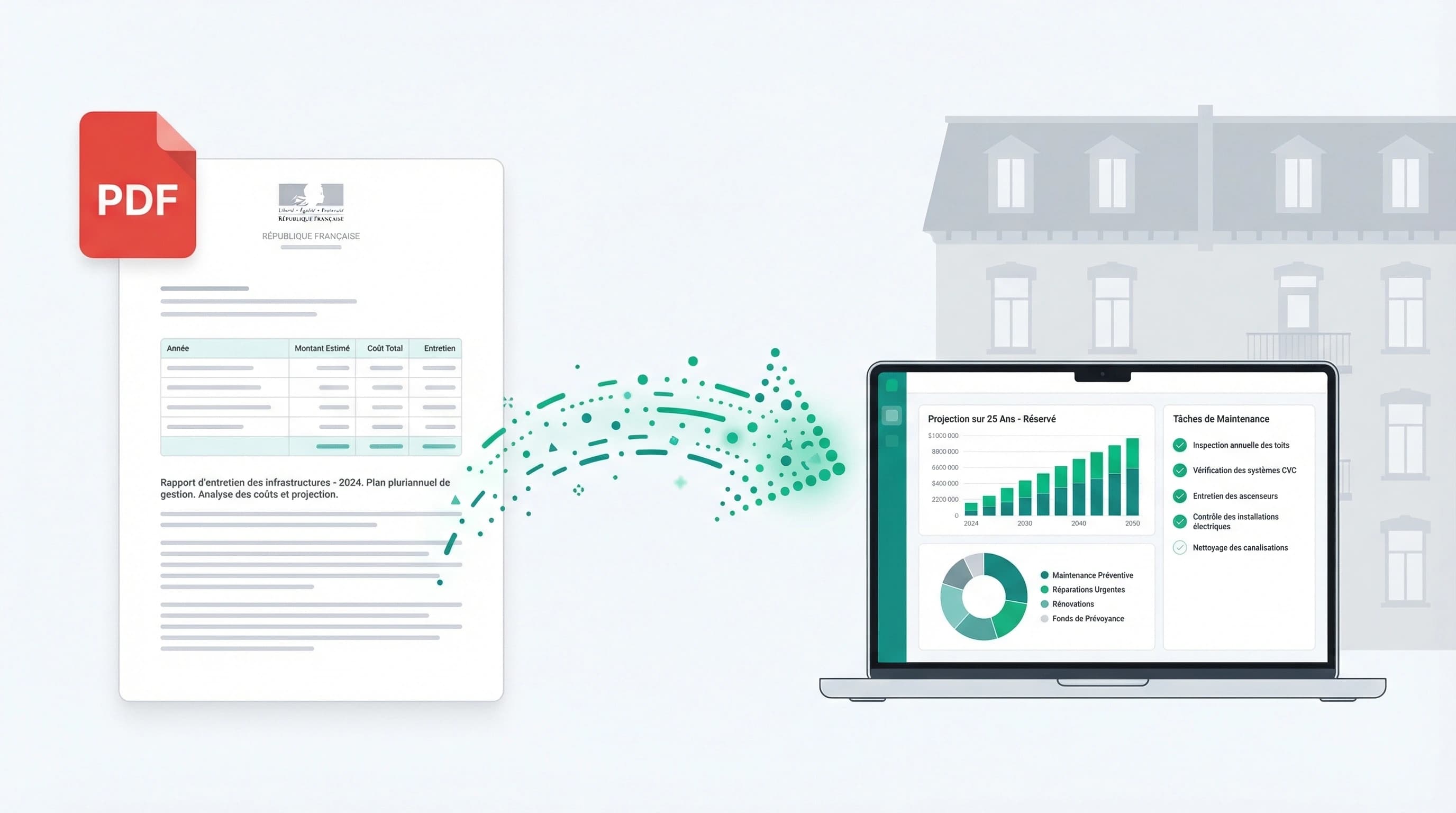
Until now a PDF opened in the register and a Word file downloaded. To read minutes in .docx or a charge schedule in .xlsx you had to take it out of the platform, open it in another application, and end up with one more copy on your computer.
docx, xlsx, pptx and odt files now display directly in the register.
How it works
The file is converted to a PDF preview and cached at upload time. The document card shows where the conversion stands and refreshes itself once the preview is ready: no reloading the page to find out.
Conversion runs through a durable queue. A large document or a burst of activity does not fail the operation, it queues it.
What changes in practice
- A watermark carrying the viewer's name is applied to the preview. A screenshot of a sensitive document is no longer anonymous.
- The contents become searchable: the preview's text feeds search, so an excerpt from minutes in .docx surfaces like the rest of the register.
- Password-protected files are detected and reported as such, instead of failing with no explanation.
Documents already in the register are being backfilled, so an older file may still download while its preview is produced.
Previews follow document permissions: seeing a preview requires the same right as opening the file.